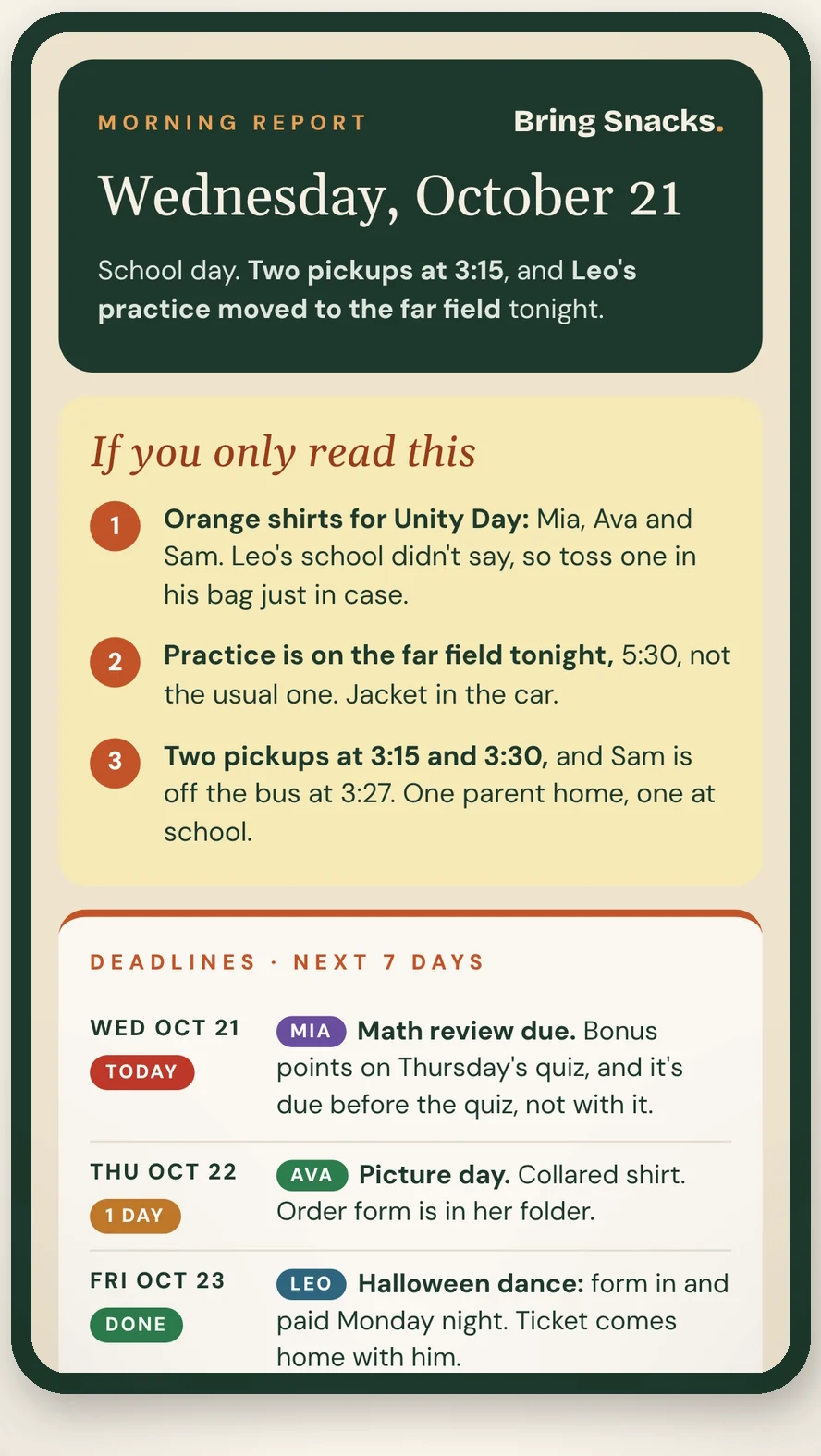
A free kit that turns the AI you already have into your family’s planner. School emails, coaches’ texts, flyers, forms: drop them in, and wake up to one short plan for the day.
I've been testing this for two weeks and it's made life so much easier. Mom in class sends me a birthday party invite. I screenshot it, send it over, and it added the event to my calendar with all the details AND a reminder a week in advance to buy a present. It reviews all the different sports schedules and lets me know 'hey, conflict on Saturday, start figuring out carpooling now.' Reminds me my daughter needs a pink shirt Friday. Working mom, 2 kids, sports and multiple events every single day, and this is such a helpful tool.
Too many apps. Too many group chats. And a permission slip due tomorrow.
nothing new to learn
Your AI, set up as your family’s assistant.
The kit is the code that turns the AI you already have on your phone and computer into a system built for your family. Nothing extra to download or learn, and nothing to pay us.
Your Dump folder
Snap a photo of the paperwork from the backpack. Screenshot the email, the Remind message, or the SportsEngine schedule. Forward it, or just tell your AI. That’s your whole job.
It’s on the calendar
Practices, lessons, playdates, doctor and dentist visits become events, with notes. Times change? It updates them.
Your partner gets it too
The morning report goes to both of you, so everyone knows what’s happening.
what lands in your inbox
Two short emails. Morning and night.
Your morning report before the bus, and what’s still open before bed. Sent to you each day where your AI can schedule it, or one tap away when you ask.
Paste it into Claude or ChatGPT, type “Set me up,” then send in school emails, flyers and invites.
3
Get a morning report, plus a “still open” email at night.
Needs a paid Claude or ChatGPT plan (billed by Anthropic or OpenAI, not us) and a Google account. Setup takes about an hour, and I’ll help you free for 30 days.
free with your account
Get the Family Kit
The Family Kit
Free
For running a house full of kids, schools, activities and appointments.
✓ Buses, specials, sneaker and library days
✓ Activities, drivers and two-driver nights
✓ Deadlines that really matter, flagged in red
✓ Morning report and evening “what’s tomorrow”
You’ll need a paid AI plan: Claude Pro or ChatGPT Plus (or higher). It’s billed by Anthropic or OpenAI, not by us. Free AI plans can’t send your morning report.
Free account · Needs a paid Claude or ChatGPT plan · Instant access
free extras
More kits, also free
The Holiday Kit 2026
Every person, every gift, every party, in one short email every Saturday.
Free with your account
The Camp Kit 2027
Every kid, every week of summer, with sign-up dates and payments tracked.
Free with your account
The Homework Helper Kit
Tonight's worksheet, built from their real schoolwork. Hints, not answers.
Free with your account
why I built this
A mom of four who needed her headspace back.
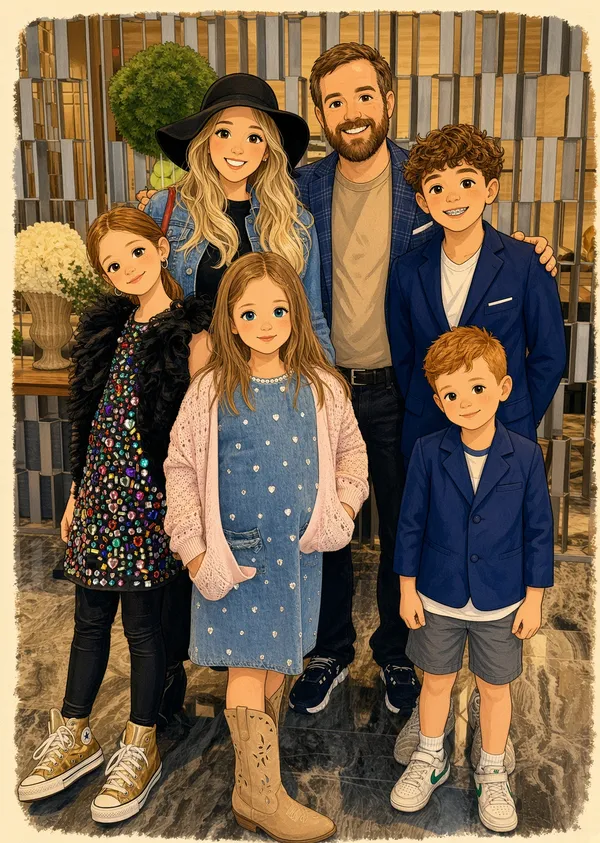
We’re a family of six: my husband and I run a business, and we have four kids. Between sports, arts, camps, clubs, activities, friends, and the occasional date night, our calendar never stops.
I needed help. But I already pay for too many things, and I didn’t want one more app to open. So I built Bring Snacks with the AI I already had, and designed it to get to know my family. I screenshot texts, emails, apps, anything, or forward an email with the word DUMP, and Claude or ChatGPT does the rest. It files it, puts it on the calendar, and tells me what’s coming.
And the best part: my husband knows what’s happening too.
Questions
What is Bring Snacks?
Bring Snacks is a free family organizing kit for the AI you already use. Make a free account and you get the Family Kit, a set of guides and setup instructions that turn a paid Claude or ChatGPT plan into your family’s planner. You drop in school emails, coaches’ texts, flyers, and forms, and every morning you get one short report for the day, plus a “still open” email at night. It works with your own Google Calendar, Gmail, and Drive.
Is Bring Snacks a snack box or an app?
Neither. Bring Snacks doesn’t sell food and isn’t an app. It’s a free digital kit you set up inside Claude or ChatGPT. The Holiday, Camp, and Homework Helper kits are free with your account too.
What do I need?
A paid Claude or ChatGPT plan (Claude Pro or ChatGPT Plus, or higher), billed by Anthropic or OpenAI, not us. A Google account with Calendar, Gmail and Drive. Your phone, with the free Google Drive app. And about an hour to get your first morning report. Claude Pro is our favorite.
Yes. Make a free account and every kit is yours. The only thing you pay for is your own Claude or ChatGPT plan, and that’s billed by Anthropic or OpenAI, not us.
Why do I need an account?
So your kits are saved in one place and you get every update the moment it’s ready.
Can I share it with a friend?
Yes, send them to getbringsnacks.com. It’s free for them too.
Where does my family’s information go?
Into your own AI account and your own Google account. We don’t collect or store it. Read our privacy note.
I’m not techy. Can I do this?
Yes. Setup is copy, paste, and answer questions. Stuck? Email us and we’ll walk you through it.